The Fastest Data Grid
Render, scroll, sort and edit 100,000+ rows at a steady 60 FPS, and millions of rows through enterprise virtualization. Performance stops being a feature you have to negotiate away.


24x5 support from the team that builds the controls.
Contact Us
Ignite UI for Blazor component library packs 90+ native Blazor UI Controls, full-featured grids, and 60+ high-performance Charts designed for any app scenario. Including our exclusive Blazor Dock Manager and complete control over how your apps look with Bootstrap, Fluent, and Material themes. Equipped with full support for Blazor Server, Blazor WebAssembly, and .NET 8, 9 and 10.
Get Started for FreeERP Inventory Grid
Stock levels, reorder points and supplier detail across 250K rows.

HR Portal
Org hierarchy with expandable reporting lines, pinned columns and export.

Financial Portfolio
Asset tracking and profit-and-loss analysis with interactive dynamic charts.

Fleet Management
Vehicle records with master-detail rows, status filters and dark theming.

Trusted by industry leaders


Why Ignite UI for Blazor
We don’t compete on component count. We compete on the components enterprise applications live or die on, and on how well your team, and your AI, can build with them.
Render, scroll, sort and edit 100,000+ rows at a steady 60 FPS, and millions of rows through enterprise virtualization. Performance stops being a feature you have to negotiate away.
Your AI. Your IDE. Your standards. Our APIs. MCP servers and Agent Skills feed agents live, versioned Blazor component APIs and your own design tokens — so generated code compiles and matches your design system.
Dock Manager, pivot grids and financial charting. Each one is a multi-quarter build if your team owned it, and a multi-quarter maintenance burden after that. We ship them production-ready, so that’s budget and roadmap time back for the app itself.
Live samples
Explore the full list of Ignite UI for Blazor UI controls and components. Full-featured, easy-to-use Blazor components giving you the power to create data-rich, responsive web apps 10x more time-efficiently.

Grids
The full-feature virtualized grid: sorting, grouping, editing and Excel export.
Learn more in docs
Grids
A ticking price grid with conditional formatting and pinned columns.
Learn more in docs
Grids
Hierarchical rows from a flat or nested source, with summaries at every level.
Learn more in docs
Grids
Parent rows expanding into independently configured child grids.
Learn more in docs
Grids
Drag dimensions and measures to slice multidimensional data in the browser.
Learn more in docs
Charts
Continuous series over a category or time axis, with markers and annotations.
Learn more in docs
Charts
OHLC and candlestick price data with volume panes and technical indicators.
Learn more in docs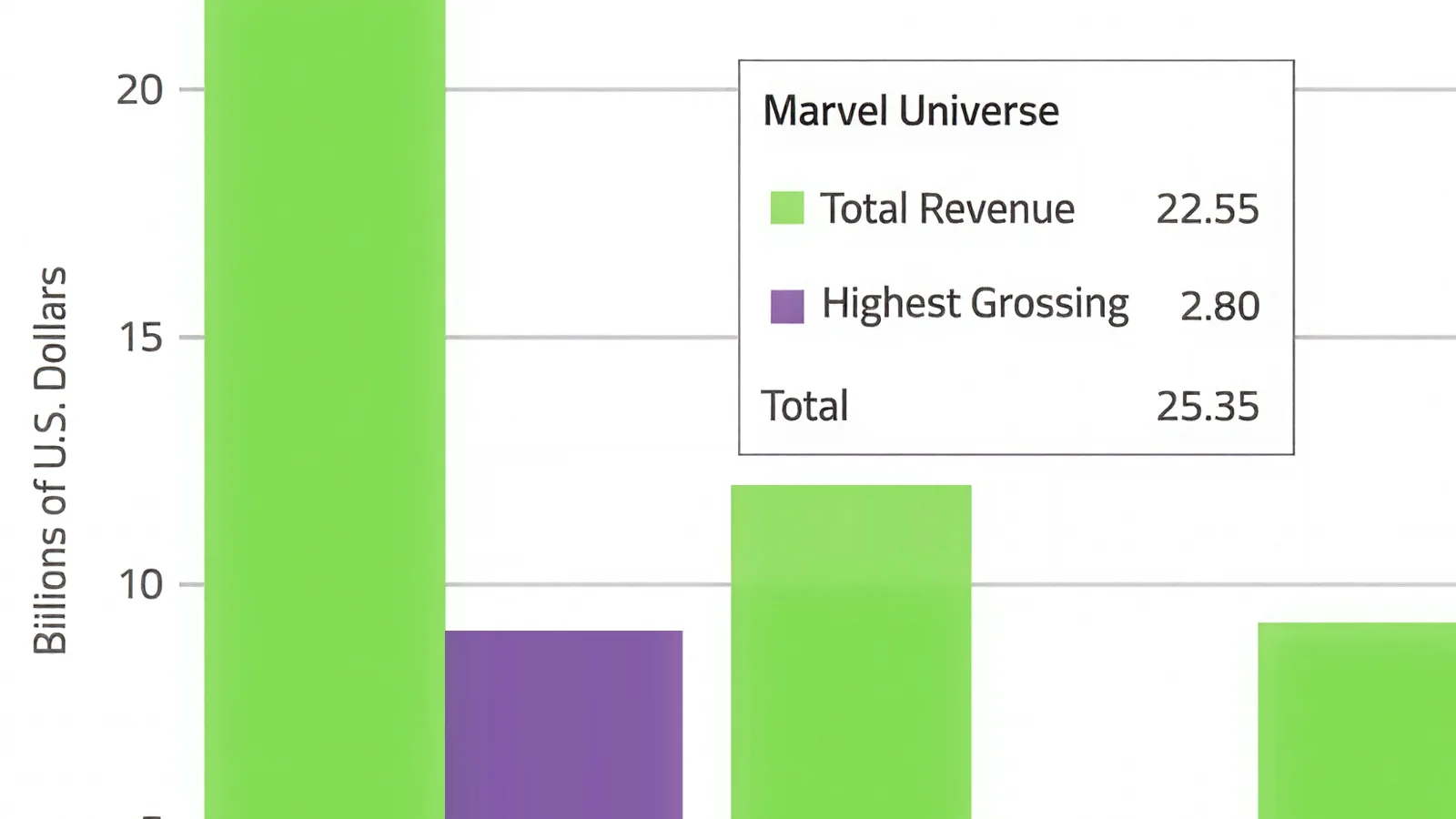
Charts
Vertical categories with grouped, stacked and 100% stacked modes.
Learn more in docs

Charts
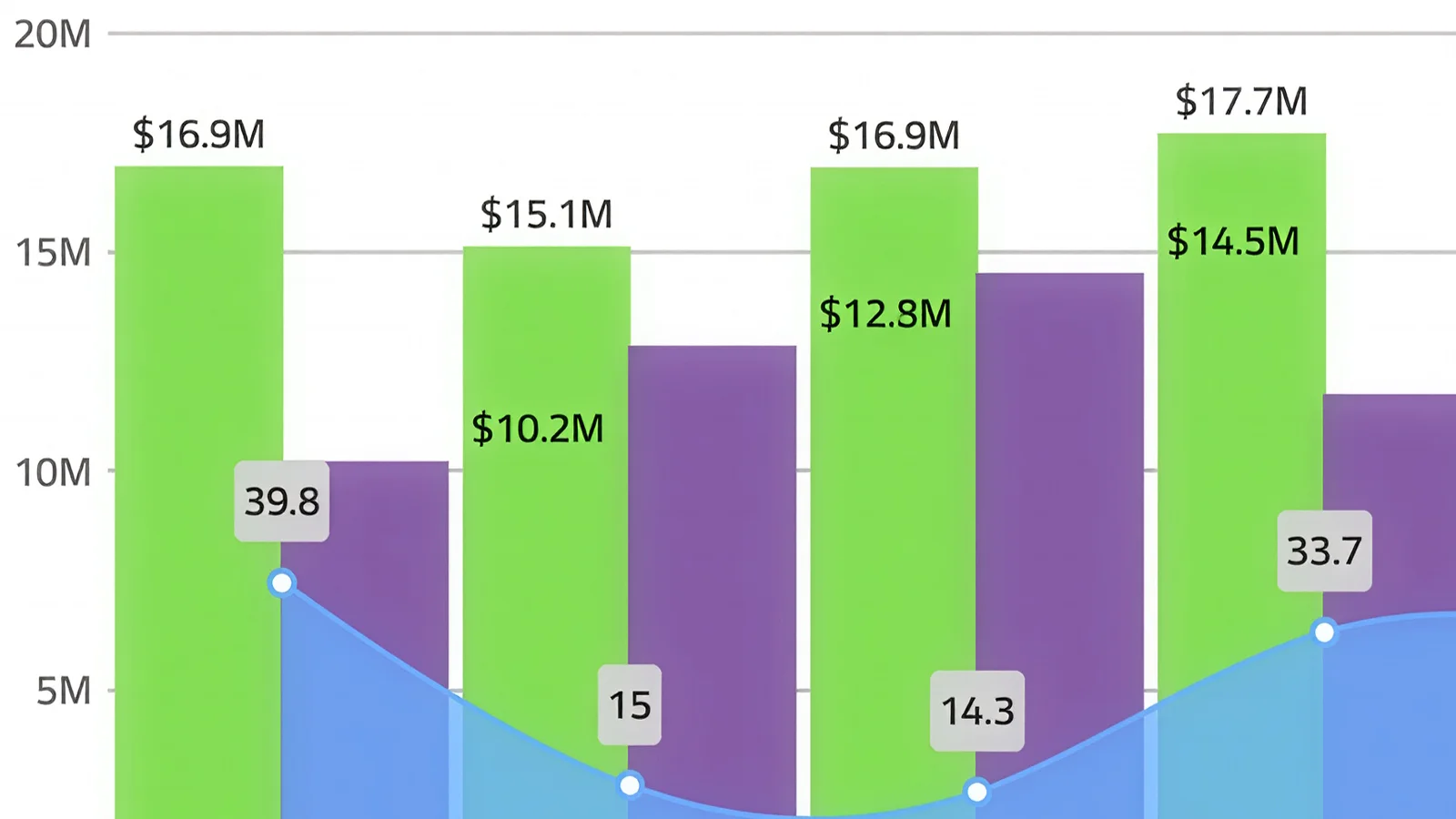
Several series types on shared axes, each with its own scale.
Learn more in docs

Dock Manager
Floating, docked and pinned panes with layout state you can persist.
Learn more in docs
Open Source
The open-source grid: sorting, filtering, paging and templates, free to ship.
Learn more in docs
Open Source
Paged content with indicators, autoplay and gesture navigation.
Learn more in docs
Open Source
Virtualized item rows with headers, avatars, actions and pan gestures.
Learn more in docs
Open Source
Nested nodes with lazy loading, checkbox selection and keyboard traversal.
Learn more in docs
Open Source
Filterable single or multi-select over local and remote item sources.
Learn more in docsHosting models
All Ignite UI for Blazor components are fully supported in Blazor WebAssembly apps and Blazor Server apps. They also work in Blazor Web Apps (.NET 8 and later) with the Interactive Server, Interactive WebAssembly and Interactive Auto render modes. If you are not sure which Blazor model to choose, here is a quick comparison of Blazor WebAssembly vs. Blazor Server:
In Blazor WebAssembly, your Blazor application, its dependencies, and the .NET runtime are downloaded to the browser in parallel and your Blazor application is executed directly on the browser UI thread.
In Blazor Server, your Blazor application is executed on the server from within an ASP.NET Core app. UI updates, event handling, and JavaScript calls are handled over a SignalR connection.
You choose which model works best for you – we do not limit how you use the Blazor components in your new Blazor apps!
Dock Manager
Take complex layouts and split them into smaller, easier-to-manage panes with the most powerful Dock Manager currently available! End-users can pin, resize, move and hide panes to customize the layout further.
Get Started for FreeStream Manager
A broadcast console built from docked panes: preview, activity feed, chat and quick actions.

AI coding assistants are only as good as the context they have. Ignite UI's MCP toolchain gives GitHub Copilot, Cursor, Claude Code, and other AI agents live, accurate access to your Blazor component APIs, eliminating hallucinated props, wrong imports, and broken scaffolds.
Give your AI the power to scaffold, configure, and extend your Ignite UI project from the command line. The Ignite UI CLI MCP Server turns natural language prompts into CLI commands, letting agents create components, modules, and project structures that follow enterprise architecture conventions.
Purpose-built instructions that give AI coding assistants the exact component knowledge they need: correct props, import paths, and usage patterns, so agents generate accurate Ignite UI code on the first pass. No prompt engineering required. Works with GitHub Copilot, Cursor, Claude Code, JetBrains AI, and Windsurf out of the box.
Go from a natural language prompt to a production-ready component scaffold in seconds. Ignite UI scaffolding respects your project structure, framework conventions, and design system, so what AI generates is what your team ships, not a starting point for an hour of cleanup.
Ask in plain language. The CLI and MCP server resolve it against live, versioned component APIs, and what lands in your project compiles and matches your design system.
You describe it
In plain language
“Add a claims review screen — filterable table, monthly trend, and Excel export.”IgbGridIgbCategoryChartexcel-export
Works from Copilot, Cursor, Claude Code, JetBrains AI or Windsurf — no special syntax.
MCP grounds it
Against live component APIs
typed4 filesWCAG AA0 fixesIt lands in your project
Themed, accessible, compiling
Open claims
3,418
4.1%
Value
$8.6M
2.4%
Resolved
97.2%
1.2 pts
| Claimant | Value | Status |
|---|---|---|
| Halvorsen Group | $18,240 | Resolved |
| Redwood Mutual | $9,115 | In review |
Refine the prompt and the same loop runs again — only the affected parts change.
Ignite UI’s strength in Excel is truly top-notch... Having features ready for LOB apps and high-quality technical support helped our development.
Hiroshi KuboPrincipal Software Architect, B-EN-G
Case Study
To continue providing customers with cutting-edge technological features, B-EN-G set out to meet the needs of customers wishing to connect to a new range of devices that make up the Internet of Things (IOT).
Read the case studyOpen source
50+ controls ship under the MIT license with no revenue cap, team-size limit or employee count attached. Adopt Ignite UI for Blazor without a procurement cycle, ship it commercially for free, and license only when the application needs the grid, charts or Dock Manager.
50+ production-ready Blazor components under MIT, installed from NuGet. Free to ship commercially, whatever your revenue or team size.
dotnet add package IgniteUI.Blazor.LiteView the repo on GitHubEverything in open source, plus the controls enterprise applications are built on and the engineers who maintain them.
$1,399 per developer, per year
See what is includedUpgrading is a package swap, not a rewrite — same APIs, same theming, same design tokens.
Pricing
Every subscription includes standard support and every release in its term, with no runtime fees. Multi-year terms cost less per year.
$1,189/ year$1,399
3 year term · per developer, royalty-free subscription
Get a guaranteed response within one business day, faster access to Infragistics engineers and in-depth troubleshooting.
$2,039/ year$2,399
3 year term · per developer, royalty-free subscription
Get a guaranteed response within one business day, faster access to Infragistics engineers and in-depth troubleshooting.
$1,359/ year$1,599
3 year term · per developer, royalty-free subscription
Get a guaranteed response within one business day, faster access to Infragistics engineers and in-depth troubleshooting.
| Best value | |||
| Products included | Ignite UI | Infragistics Ultimate | Infragistics Professional |
|---|---|---|---|
| App Builder | |||
| Angular | |||
| ASP.NET Core | |||
| ASP.NET MVC | |||
| jQuery | |||
| Blazor | |||
| React | |||
| Web Components | |||
| Ultimate UI for ASP.NET Web Forms | |||
| Ultimate UI for Windows Forms | |||
| Ultimate UI for WPF |
Questions and Answers for Ignite UI for Blazor
Blazor is developed by Microsoft and is a free, open-source web framework that enables developers to create feature-rich web apps using C#, HTML code and Razor syntax instead of JavaScript. Building server-side apps happens with Blazor Server, while Blazor WebAssembly executes client-side apps directly in the browser. Infragistics is an active contributor and supporter of Blazor.
Blazor is a framework for building modern web applications that run in the browser that are built with .NET. Blazor lets you build web apps with two different rendering models – a server-side (Blazor Server) or a client-side (Blazor WebAssembly) model. Blazor Server applications are ASP.NET Core hosted apps on the server running ASP.NET Core Razor pages, with client HTML page updates done via a SignalR connection. Blazor WebAssembly is a single-page application (SPA) framework that runs .NET assemblies written in C# directly in the browser.
A Blazor component is a reusable .NET C# class built into .NET assemblies that are used for client-side UI logic and composition. A Blazor component represents an element of the UI (C# code, HTML markup, other components) of a Blazor web application like a page, form, data grid, data chart or any aspect of a page that gets rendered as HTML. Components can be nested and reused in a web app or in different web apps as Razor class libraries or NuGet packages.
Ignite UI for Blazor is a complete library of Blazor components and controls designed for C# and .NET developers looking to build rich and responsive web apps. The Blazor component library includes 60+ data charts and graphs for better visualizations, fast data grids and tables, and user interface (UI) components.
Ignite UI for Blazor is the most complete library of enterprise-grade, Blazor UI components available. Professionally designed and developed for C# and .NET developers, Ignite UI for Blazor provides you with everything you need to build rich web applications. All backed by Infragistics 35+ years of industry leadership and our award-winning live support.
Infragistics releases minor updates every month with two big releases per year where we introduce new Blazor components, product features and enhancements.
Our Blazor components are included as a part of our Ignite UI bundle. A single developer license starts at $1,399 USD for a one-year subscription, including one year of standard support and updates. We also offer discounts for multi-year licenses. Please refer to the Pricing page for more information on pricing.
The best place to get started is the Ignite UI for Blazor documentation and getting started materials. It provides a step-by-step explanation for creating Blazor Server apps, Blazor WebAssembly apps, and .NET MAUI Blazor apps using Visual Studio. You can also add Ignite UI for Blazor to an existing application by installing the Ignite UI for Blazor package.
Yes, you can deploy an application that uses Ignite UI for Blazor components or controls to unlimited clients. With the flexibility of our plans, we only license on a per-developer basis and do not charge any runtime, royalty, or deployment fees.
The team at Infragistics maintains a comprehensive library of Blazor code samples, along with a library of sample applications, including team collaboration apps, e-commerce, travel, and more. Both are linked from the Help & Support section below.
The current Ignite UI for Blazor packages support .NET 8, .NET 9 and .NET 10. The Infragistics team monitors every major .NET release and keeps all components compatible.
Component index
Every component ships with API documentation, live samples and theming. A selection of the most used controls:
Resources
Every component carries the same set of resources, so you are never more than two clicks from working Blazor code.
Install the NuGet package and every grid, chart, layout and input control is available to your project. The Ignite UI CLI and MCP server can do the same steps from a prompt if your team works with an AI assistant.


